Boards
A departure board for any screen
Any screen with a web browser becomes a TransportHub board: no special equipment, no account and no software to install. Point it at an address once and it looks after itself, day and night.
Get a board's addressThree boards
Each has its own address. All are dark by default, large enough to read across a room, and show a QR code so people can take the same information with them.
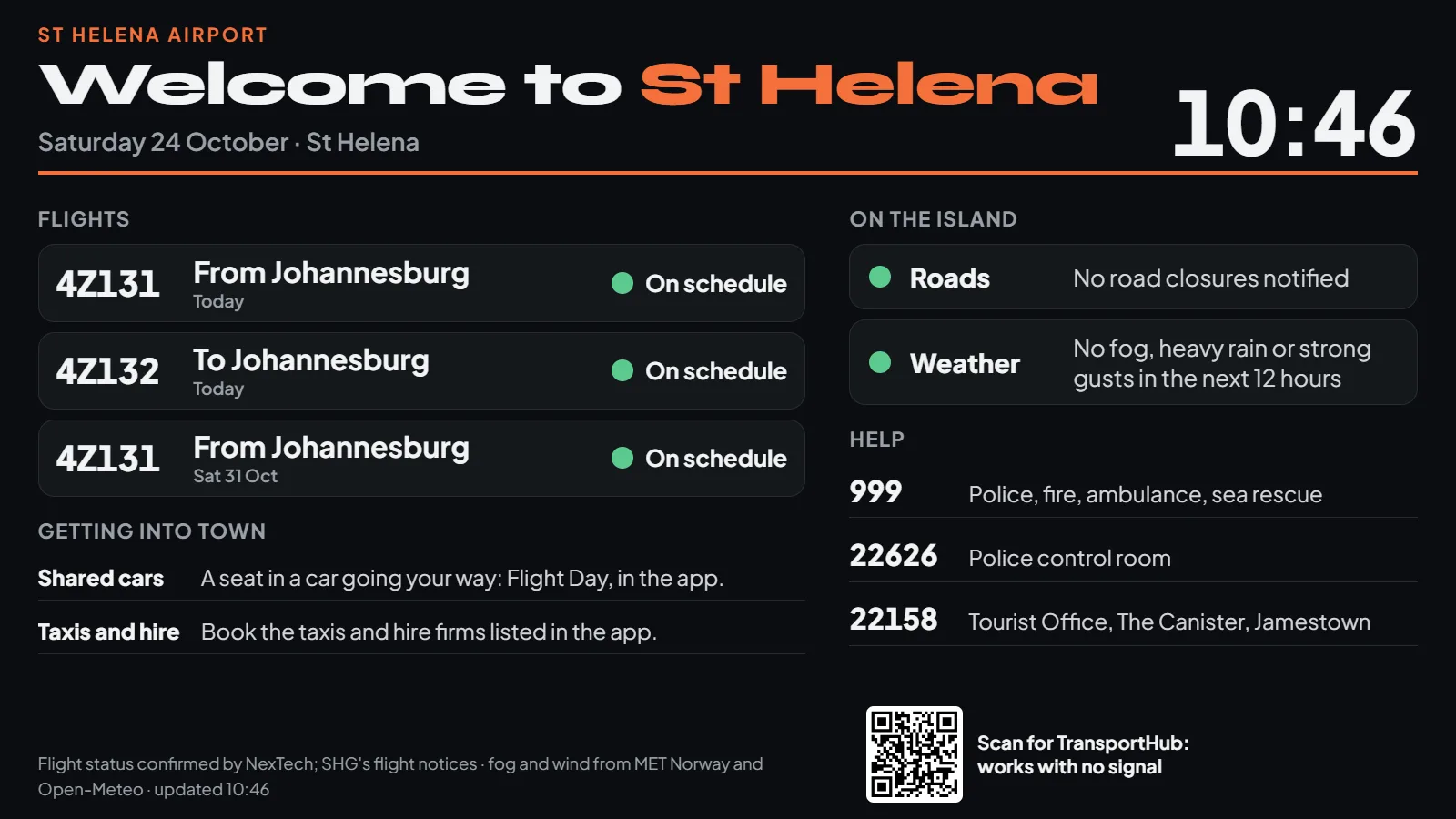
The airport
Welcome to St Helena: the next flights and their status, the ways into town (shared airport cars, taxis and hire, the bus), the roads and the weather, and who to call.
For: the arrivals hall and the check-in area
https://app.transporthub.sh/#board-airportOpen
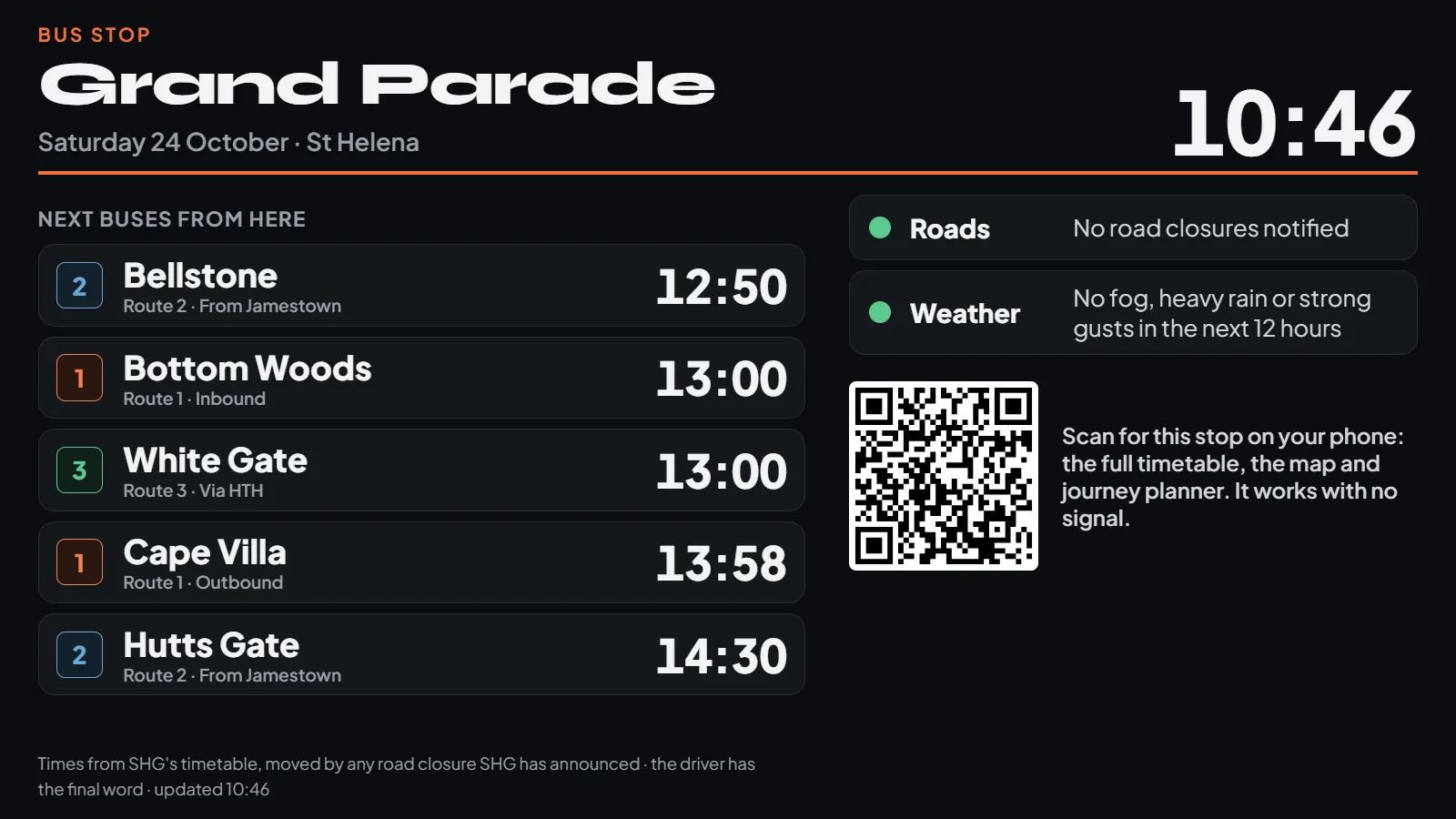
A bus stop
The next buses from that stop, with minutes to go, any road closure near it and its effect on each bus, the weather, and a code to open the stop on a phone.
For: Grand Parade, the Hospital, a shelter, a shop window by a stop
https://app.transporthub.sh/#board-stop-grand-paradeOpen
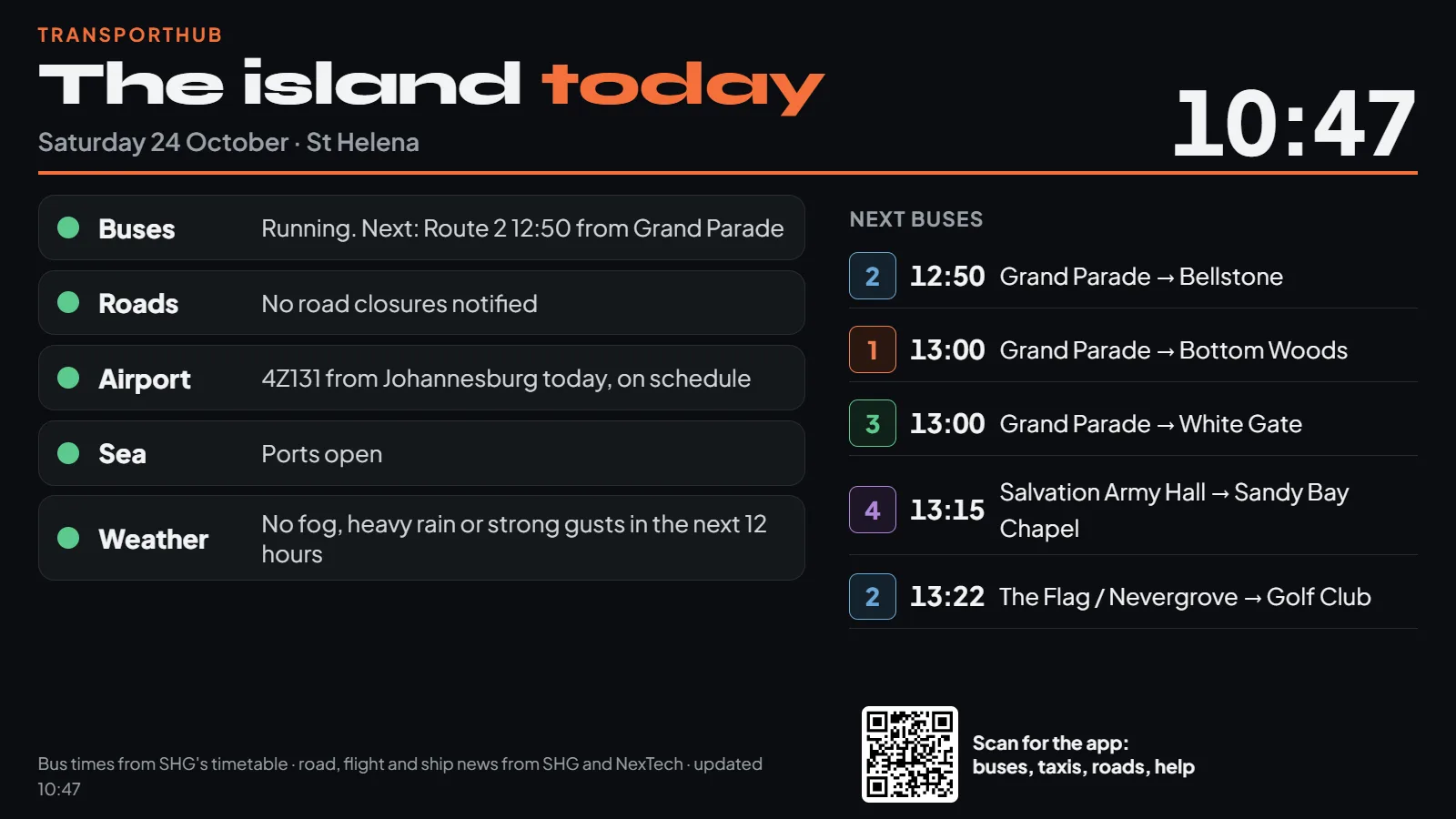
The island today
Buses, roads, the airport, the sea and the weather, each green, amber or red, and the next buses across the island.
For: the Tourist Office, the Wharf, hotels and guest houses
https://app.transporthub.sh/#boardOpen
Get a board's address
Choose the board, and for a stop, which one. Open the address on the screen, or scan the code with a phone to try it first.
Every stop's page in the app has Show as a board too.
Setting up a screen
- A screen with a browser. A smart TV's own browser, a streaming stick with a browser, a small computer or a Raspberry Pi behind the screen. Landscape, 32 inches or more for reading from a few metres.
- A connection. Wi-Fi or a cable. The board needs very little data, and keeps working through a dropped connection.
- Open the board's address and make the browser full screen (F11 on a computer). For a screen that starts by itself, set its browser to open the address full screen when it starts (often called kiosk mode).
- Stop the screen sleeping in its own settings. The board also asks the screen to stay awake, where the browser allows.
- Agree it with whoever owns the place. Bus stops are St Helena Government's, and the airport is the airport operator's: ask before putting a screen up.
What a board does by itself
- Redraws every half minute, and fetches SHG's notices, the forecast and flight status every five minutes
- Says so plainly when the connection is down, and keeps showing the last news it had and the timetable
- Refreshes itself in the small hours, so it always has the latest TransportHub
- Hides the pointer, and moves its picture a few pixels now and then so nothing burns into the screen
- Shows only the departures that fit, whatever the screen's size
- To leave a board, press Escape, or move the mouse and choose Leave display
Private by design
A board collects nothing. It has no camera or microphone access, never asks anyone to sign in, and is not counted as a visitor. Its QR codes open TransportHub, and nothing else.